March 15, 2020, 3:20 p.m.


tutti - social network
Tutti is the simplest social network on internet. Here you can make friends, create communities, sell things, make surveys, comment and share stuff.




Researchers have shown for the first time in an experiment that also non-human animals exchange different kind of favors. Humans commonly trade different commodities, which is considered a core competence of our species. However, this capacity is not exclusively human as Norway rats exchange different commodities, too. They strictly follow the principle "tit for tat" -- even when paying with different currencies, such as grooming or food provisioning.https://www.sciencedaily.com/releases/2018/02/180201173109.htm


En vez de empezar/ahi/a fumar muchos fayos defectivos y de enojarme por otra cosa.



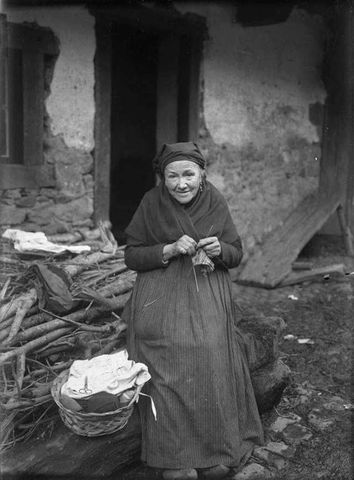
Retrato de Doña Rafaela en Villamayor (Piloña), año 1918. Archivo de Modesto Montoto del Museo del Pueblo de Asturias.